Social media has changed how we share our travels. Sharing vacation moments online can be fun but risky. Experts warn that oversharing can make your home a target for criminals12.
Protecting personal info while traveling needs smart planning. Nearly 43% of Americans have had their data compromised on public networks3. Knowing these risks is key to staying safe online during trips.
Social networks offer great ways to connect. However, they also bring unique challenges. Criminals can use detailed travel posts to learn about your life. This info could be used for harmful activities1.
Key Takeaways
- Be mindful of what you share online during travels
- Delay posting vacation photos until you return home
- Set social media accounts to private
- Avoid sharing sensitive personal details
- Use secure internet connections
Understanding Risks of Social Media While Traveling
Digital marketing and social media have changed how we share travel experiences. This connectivity brings privacy challenges for travelers. Cybercriminals target social networks to gather personal info, making user-generated content risky4.
Privacy Concerns: What You Should Know
Your online presence can expose you to hidden dangers. Many people share sensitive info daily, unknowingly giving thieves valuable details4. Content sharing can compromise your personal security in several ways:
- Revealing full birthdates or addresses
- Posting real-time travel locations
- Sharing detailed personal information
Geotagging: The Dangers of Location Sharing
Geotagging can be a traveler’s vulnerability. 31% of social media users post trip details before or during vacation5. This number jumps to 46% for younger travelers aged 18-345.
Each tagged location can broadcast your exact whereabouts to strangers. This practice puts your safety at risk while traveling.
Public Wi-Fi: Keeping Your Data Secure
Public networks pose major security risks. Hackers can easily intercept data sent over unsecured connections. Avoid accessing sensitive accounts on public Wi-Fi to protect yourself.
Don’t share personal info while using these networks. Your data could fall into the wrong hands.
“Your online footprint can remain accessible for years due to browser caching and server backups”4.
| Risk Category | Potential Consequences |
|---|---|
| Oversharing | Identity theft, stalking |
| Geotagging | Location tracking, burglary |
| Public Wi-Fi | Data interception, hacking |
Best Practices for Safe Social Media Use
Social media use while traveling needs careful planning. Your online posts can reveal personal info. It’s vital to protect your digital footprint with strong safety measures. Check out these social media safety tips.
Both influencers and regular travelers must guard their digital identity. Social media has billions of users worldwide. Analytics show big risks from sharing too much online6.
Limit Your Digital Footprint
Try these key strategies for safe social media use when traveling:
- Wait to share travel moments until after returning home
- Disable GPS tracking on social media apps
- Avoid posting detailed itineraries or reservation confirmations
Password Protection Strategies
Boost your account security through:
- Generating strong, unique passwords
- Enabling two-factor authentication
- Avoiding password reuse across platforms6
| Security Practice | Impact |
|---|---|
| Unique Passwords | Reduces risk of multiple account breaches |
| Two-Factor Authentication | Adds extra layer of account protection |
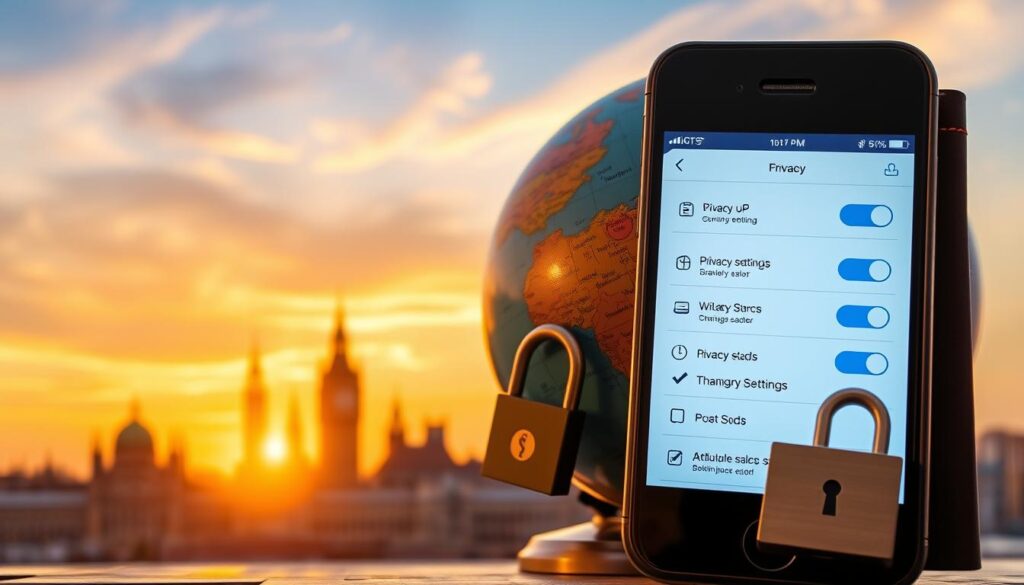
Regular Privacy Check-ups
Often review privacy settings on your social media accounts. This helps control your personal info7. These practices will lower risks during travels.
They also protect your digital identity. Stay safe online by being aware and proactive.
Your online safety is a continuous process of awareness and proactive management.
Staying Connected Without Compromising Safety
Smart planning keeps you safe online while traveling. Use encrypted messaging apps for family updates. Your online presence can be both informative and secure.
Be mindful of what you post on social media. Choose carefully which moments to share and with whom. Many users have adjusted their privacy settings for better control.
Schedule content in advance to stay active online. This helps prevent revealing your real-time location. It’s a smart way to avoid potential security risks.
Use trusted platforms to inform close contacts about your journey. Don’t overshare personal details that could put you at risk. Experts suggest turning off location tagging on posts and images.
Most savvy travelers disable location sharing to protect their privacy. It’s a simple yet effective safety measure during trips8.
Rely on verified sources for travel updates and tips. Choose platforms with strong security and two-factor authentication. Many users have boosted their account security this way.
Always put personal safety first in your social media engagement. Protect your digital presence while enjoying your travels.
FAQ
Why is it dangerous to share travel details on social media?
Posting travel updates online can make your home a target for burglars. It signals that your house is empty. Homes without security systems are 300% more likely to be broken into.
Oversharing gives criminals valuable information about your absence. This puts your property at risk while you’re away.
How can I protect my privacy while traveling and using social media?
Set your social media accounts to private and reject friend requests from strangers. Turn off GPS tracking on your apps to avoid revealing your location.
Don’t post travel plans or real-time updates. Share your photos and experiences after returning home for better security.
What are the risks of geotagging while traveling?
Geotagging can reveal your exact location to anyone who sees your social media profile. This includes potential criminals who might use this info to track you.
Sharing your location in real-time provides a detailed map of your travels. This can be used for theft or other harmful activities.
How can I stay connected with family without compromising my safety?
Use private messaging apps to update close family and friends. Avoid tagging photos or letting others tag you during your trip.
Set your social media to review all photo tags. Consider scheduling content in advance to maintain an online presence safely.
What additional steps can I take to secure my social media accounts while traveling?
Use strong, unique passwords for each account and enable two-factor authentication. Regularly review and update your privacy settings on all platforms.
Don’t share sensitive documents like passports or tickets online. Be careful about the information you post. Always put your safety first.
Are public Wi-Fi networks safe to use while traveling?
Public Wi-Fi networks are risky for your data security. They’re often unsecured, making it easy for hackers to steal your info.
If you must use public Wi-Fi, use a VPN. Avoid accessing sensitive accounts. Consider using mobile data for safer internet access.
How can I manage my social media presence safely during travel?
Create a backup plan for social media management. Use the highest security settings and control who sees your posts.
Be strategic about what you share. Wait to post detailed travel photos until you’re home. Always think twice before sharing any revealing information.
Source Links
- Social Media Safety Tips – Travel With Annita – https://www.travelwithannita.com/social-media-safety-tips/
- A Road Trip to Social Media Safety – Monique Burr Foundation – https://mbfpreventioneducation.org/a-road-trip-to-social-media-safety/
- Safety Tips When Using Public WiFi and Social Media – https://www.adtrav.com/safety-tips-when-using-public-wifi-and-social-media/
- Think before your post: understand social media risks | Michigan Tech IT News – https://blogs.mtu.edu/it/2019/05/17/think-before-you-post/
- Safe Travel Tips: Pause Your Social Media Habits While Traveling – https://blog.allstate.ca/safe-social-media-travel/
- PDF – https://media.defense.gov/2021/Sep/16/2002855950/-1/-1/0/CSI_KEEPING_SAFE_ON_SOCIAL_MEDIA_20210806.PDF
- Social media safety for immigrants | USAHello – https://usahello.org/life-in-usa/daily-life/social-media-safety/
- 9 Ways to Stay Safe on Social Media – https://www.experian.com/blogs/ask-experian/9-ways-to-stay-safe-on-social-media/