
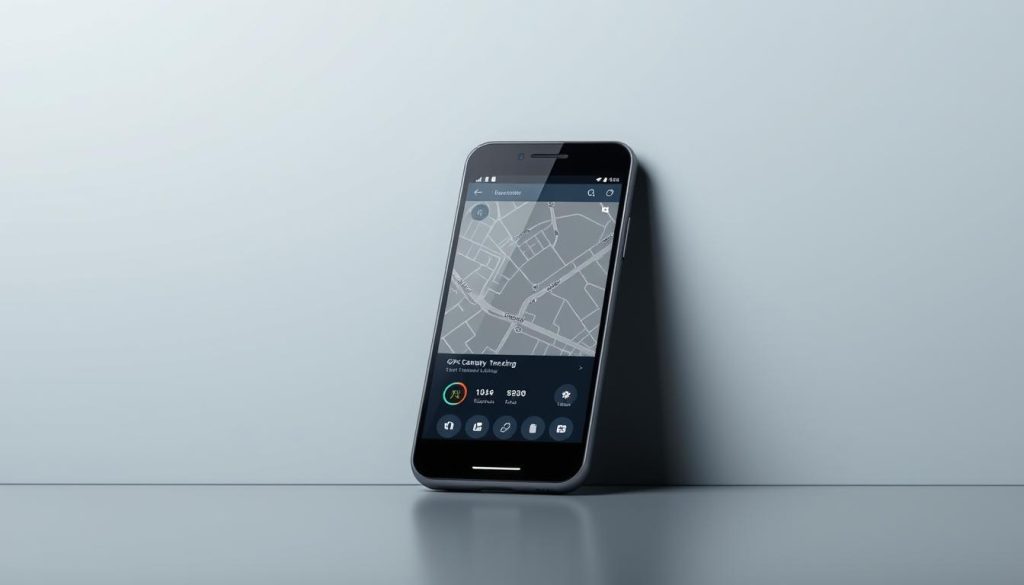
Pinging a phone is crucial for device recovery and safety. Smartphones hold valuable data and personal info. Mobile tracking has changed how we protect our devices1.
Thieves steal about 1 in 10 phones globally each year1. Pinging helps track and recover lost or stolen phones. It gives peace of mind in our connected world2.
Phone tracking is about more than tech. It’s about personal security and staying connected. Parents can monitor kids’ locations. Anyone can find a misplaced device1.
Key Takeaways
- Phone pinging helps recover lost or stolen devices
- Multiple tracking methods exist for Android and iOS
- Location services are crucial for effective tracking
- Privacy and consent are essential considerations
- Built-in and third-party tracking tools offer different capabilities
Understanding Phone Pinging: Basics and Benefits
Phone pinging is a powerful tech for locating mobile devices. It uses network signals to track phones. This method gives key info about a phone’s location and status3.
https://www.youtube.com/watch?v=yLTEsgNWHYg
Phone pinging is vital when you need to find a lost phone. It uses GPS, cell networks, or Wi-Fi to find a device’s location4.
Exploring Phone Pinging Mechanics
Phone Ping tech works through several key methods:
- Sending network requests to a specific device
- Tracking response times and signal strengths
- Calculating geographical positioning
Practical Applications
Phone pinging has many uses:
- Recovering lost or stolen devices
- Ensuring child safety
- Managing company-owned smartphones
- Emergency location services
Privacy and Legal Considerations
Phone pinging is useful, but privacy laws must be followed. Getting consent before tracking someone’s device is crucial3.
Always prioritize ethical use of tracking technologies and individual privacy rights.
How to Ping a Phone: Android and iOS Methods
Lost your smartphone? Don’t worry! Your device has built-in Cellphone Finder tools. iOS and Android platforms offer native smartphone locators for easy tracking5. About 90% of users use location services, which are key for accurate tracking5.
iPhone users can start with the Find My app. Turn on location services in Settings. Make sure your device is online6. You need Find My on, iCloud sign-in, and internet connection6.
iPhones can track location for 24 hours through the iCloud website6. This feature gives you extra time to find your device.
Android users can use Google’s Find My Device for tracking5. Set it up in four steps, including Google account sign-in and location activation6. Over 70% of users prefer these built-in features for reliability and privacy5.
Remember, tracking works best when your device is online and in network range7. These tools are powerful, but respect privacy. Unauthorized tracking is against the law.
A recent study found that 1 in 5 users worry about data misuse5. Use these features wisely to find your device while protecting your privacy.
FAQ
What exactly does “pinging a phone” mean?
Pinging a phone locates a mobile device using GPS, Wi-Fi, or cellular data. It sends a signal to the phone, which responds with its current location. This helps track lost or misplaced smartphones.
Is it legal to ping someone else’s phone?
Pinging someone’s phone without consent is illegal and unethical. It’s only legal if you own the device or have permission. Always respect privacy laws and personal boundaries when considering this action.
Can I ping a phone if it’s turned off?
Most tracking services need the phone to be on and connected. Some advanced features can show the last known location if offline. Find My Device may work with limited battery life.
What are the best methods to ping an Android phone?
For Android, use Google’s Find My Device service or app. Access your Google account online for tracking. Enable location services and sign into your Google account first.
How can I ping an iPhone?
iPhone users can use the pre-installed Find My app. Turn on iCloud location sharing and sign into your Apple ID. The app lets you locate, ring, or lock your device remotely.
Are there any reliable third-party phone tracking apps?
Yes, several trusted apps offer advanced tracking features. Life360, Find My Kids, and Prey Anti-Theft provide detailed options. These apps often include location history and battery monitoring.
What should I do if I can’t ping my lost phone?
If tracking fails, try these steps: contact your carrier to suspend service. Use a computer to access tracking services. Ask for help calling or locating the device.
Consider remotely wiping sensitive data to protect your personal information.
How accurate is phone pinging?
Phone pinging accuracy depends on GPS signal, Wi-Fi, and cellular coverage. Urban areas with good connectivity offer precision within 10-50 meters. Rural or poor signal areas may have less accurate results.
Source Links
- How to Ping a Phone: A Comprehensive Guide for Parents – https://www.safes.so/blogs/how-to-ping-a-phone/
- How to Ping a Phone: Ultimate Guide to Find Its Location – https://cellphonetracker.net/how-to-ping-a-phone/
- What is a ping and how does it work? – https://www.techtarget.com/searchnetworking/definition/ping
- Pinging Network Elements – https://www.dpstele.com/blog/basics-of-pinging-network-elements.php
- How to Ping a Phone And Find It Easily in 2024 – https://www.melodyloops.com/blog/ping-a-phone/
- How to Ping a Phone: Step-By-Step Guide for Android & iOS – https://www.wikihow.com/Ping-a-Phone
- Your Guide to Location Ping: How to Ping a Phone Safely – https://findmykids.org/blog/en/how-to-ping-a-phone

