
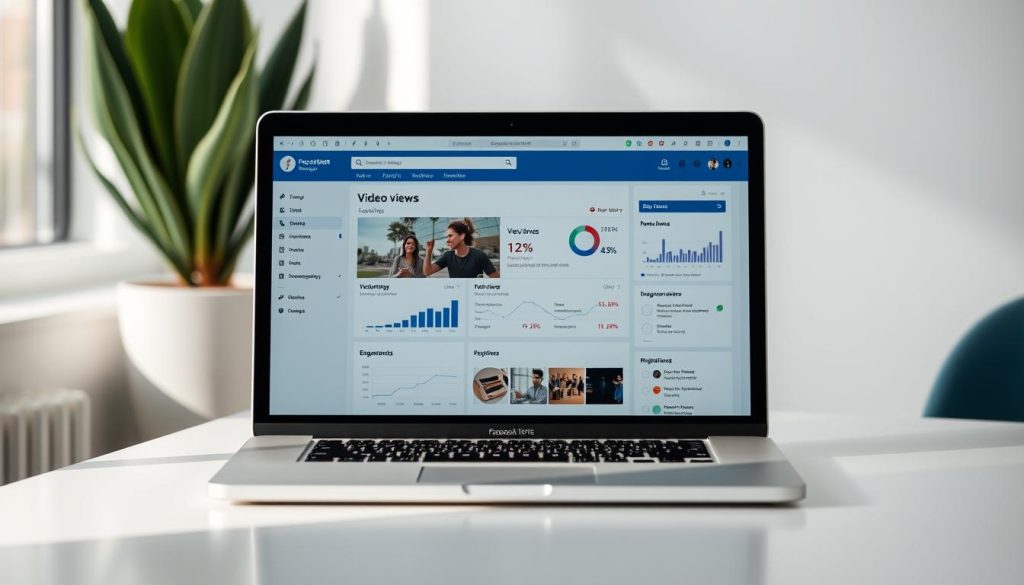
Curious about your Facebook Video Views? Many users want to track who watches their content. Facebook’s privacy settings make it hard to see individual viewers of regular News Feed videos1.
Facebook Live works differently. During a live broadcast, friends can see who’s watching1. For regular videos, detailed viewer info is restricted. This pushes creators to find new ways to engage their audience.
Content creators want to understand their reach. Facebook doesn’t show individual names, but offers useful stats1. These include total views, average watch time, and viewer demographics. These insights help improve your video strategy.
Key Takeaways
- Facebook restricts individual viewer identification for regular videos
- Live videos offer more real-time interaction possibilities
- Aggregate video metrics provide valuable audience insights
- Engagement is key to understanding viewer behavior
- Privacy settings prioritize user anonymity
Understanding Facebook Video View Privacy
Facebook video views can be confusing. Creators face unique challenges with privacy settings when tracking views. Facebook offers tools to monitor engagement while safeguarding user privacy2.
Facebook provides different viewing metrics for various video types. Knowing these differences helps creators better analyze their content’s performance2.
Basic Video Viewing Metrics
Creators can gain valuable insights by using Professional Mode. This feature offers comprehensive analytics for video content.
These analytics include total views, viewer demographics, page views, and post engagement metrics.
- Total video views
- Viewer demographic information
- Page view statistics
- Post engagement metrics
Privacy Limitations for Regular Videos
Identifying video viewers on Facebook has restrictions. The platform protects user privacy by hiding individual viewer identities for regular videos2.
Creators can see aggregate data but not specific viewer names.
Difference Between Stories and Live Videos
Facebook offers unique experiences for different video types. Stories allow creators to see viewers within 24 hours2.
Live videos provide real-time viewer information with engaging features. These features enhance the viewing experience.
- Viewers can be seen during the broadcast3
- Notifications appear when friends join
- Only interactive viewers reveal their identities
Pro tip: To boost engagement, encourage viewer interaction. Use Facebook Creator Studio for detailed performance tracking2.
Can You See Who Viewed Your Facebook Video
Facebook Video Analytics can be complex for content creators. They offer detailed metrics but don’t show individual viewers. However, there are ways to understand audience engagement.
Facebook Business Manager provides comprehensive Facebook Video Insights. These insights reveal crucial performance data for your videos.
- Total video views
- Like count
- Comment engagement
- Share statistics
- Average view duration
These metrics give valuable info about how your content performs. They help creators refine their strategy and improve engagement.
Engagement is the key indicator of video success. Tracking interactions helps creators make better content decisions.
Facebook Live works differently. Creators can see viewer names during live broadcasts. But this info vanishes once the stream ends4.
Conclusion
Facebook’s privacy rules make it tricky to track video viewers. But creators can use analytics tools to measure video success5. Pages with 100+ views can see total watch time, view counts, and audience info5.
Live videos show real-time viewers. Stories reveal who watched for 24 hours5. Videos are hugely popular, with users sharing and engaging often6.
Engagement metrics hint at video reach. Likes and comments offer some insight, but don’t tell the whole story56. Focus on understanding audience behavior through available data.
Embrace Facebook’s privacy-first approach for success. Use viewer insights to create engaging videos that connect with your audience6. This strategy respects user privacy while boosting your content’s impact.
FAQ
Can I see exactly who viewed my Facebook video?
Facebook doesn’t show individual viewers for regular videos on timelines or pages. You can only see general stats like total views, likes, comments, and shares.
This is due to privacy concerns. These metrics help you understand your video’s overall performance.
Are there any exceptions to the viewer privacy rule?
Yes! Facebook Stories let you see individual viewers within 24 hours. Live videos also show real-time viewer info.
These are special cases where you can identify specific people who’ve watched your content.
How can I track my video’s performance if I can’t see individual viewers?
Use Facebook Business Manager for detailed analytics. You’ll find view counts, engagement rates, and audience demographics.
Check likes, comments, and shares to understand who’s engaging with your content. These insights help gauge your video’s success.
What metrics are available for Facebook videos?
Facebook offers several key metrics for videos. These include total views, watch time, and average percentage viewed.
You can also see audience retention, likes, comments, shares, and click-through rates. These help you understand your video’s performance and engagement.
Can I see who viewed my Facebook Live video?
During a Facebook Live, you can see viewers’ names in real-time. After the broadcast, you’ll still have access to the viewer list.
You can also see their interactions during the live video. This gives you valuable insights into your audience.
Do private videos have different viewing metrics?
Yes, private videos have more limited metrics. If you’ve shared with a specific group, you’ll have less viewing info.
The privacy settings directly affect available insights. Public videos offer more comprehensive data on views and engagement.
How can I improve my video’s visibility and engagement?
Create high-quality, engaging content that resonates with your audience. Use relevant hashtags and post at optimal times.
Encourage interactions and analyze your video metrics regularly. Understand your audience’s preferences and tailor your content accordingly.
This approach will help boost views and engagement on your Facebook videos.
Source Links
- How can I see who watched my Facebook live? – Hot in Social Media Tips and Tricks – https://hotinsocialmedia.com/how-can-i-see-who-watched-my-facebook-live/
- Can Digital Creators on Facebook See Who Views? – Hollyland – https://www.hollyland.com/blog/tips/can-digital-creators-on-facebook-see-who-views
- How Can I See Who Watched My Facebook Live? – https://socialbuddy.com/can-i-see-who-views-my-facebook-live/
- Can You See Who Viewed Your Facebook Video [Answered] – https://recorder.easeus.com/screen-recording-resource/can-you-see-who-viewed-your-facebook-video.html
- How Can You See Who Views Your Facebook Videos? | Course Method – https://coursemethod.com/see-who-views-your-facebook-videos.html
- Can You See Who Viewed Your Video On Facebook: Uncovering The Reach Of Your Facebook Videos | CJ&CO – https://www.cjco.com.au/article/can-you-see-who-viewed-your-video-on-facebook/

