
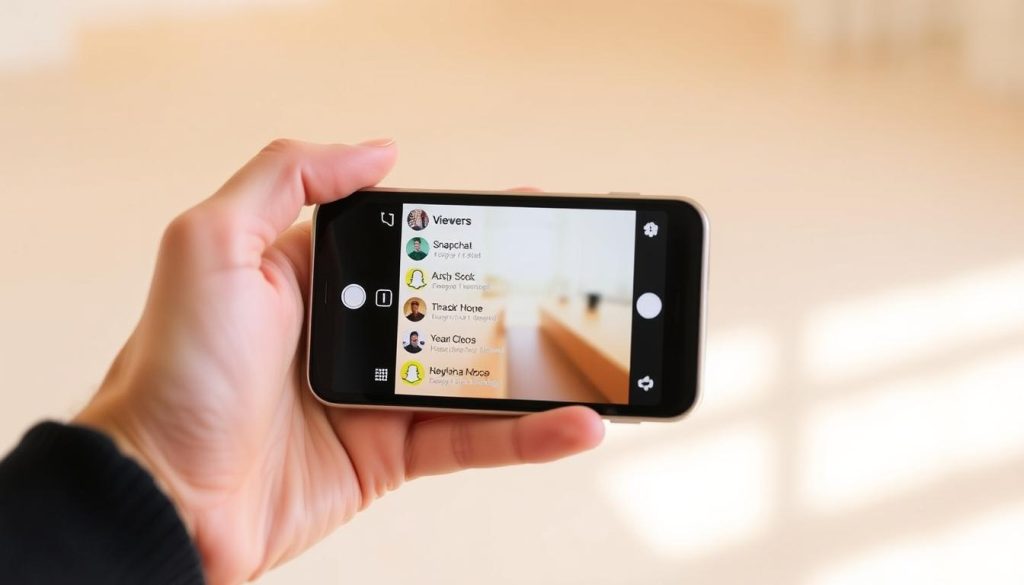
Want to know who’s checking out your Snapchat Story? It’s easy! You can track your audience and see who’s interested in your content. This feature helps you connect better with your followers.
Snapchat lets you view up to 200 users who’ve seen your personal Story. This gives you a quick look at your most engaged viewers. For Stories with more than 200 views, you’ll only see the total number.
You can control who sees your Story. By default, it’s visible to friends. But you can change it to ‘Everyone,’ ‘Friends Only,’ or a specific group. This gives you full control over your content’s audience.
Key Takeaways
- View up to 200 individual Snapchat Story viewers
- Customize Story visibility settings
- Track engagement through story views
- Understand your audience’s interests
- Control your social media reach
Understanding Snapchat Story Views Basics
Snapchat provides unique tools to track story analytics and engagement. Users can monitor how their content performs and connects with viewers3.
Snapchat story metrics offer valuable insights into user interactions. Creators can see up to 200 viewers for personal stories. This gives them a glimpse into their audience reach4.
What Are Snapchat Story Views
Story views show how many times users have watched your shared content. These views are crucial for understanding audience engagement. Snapchat stories last 24 hours, allowing multiple viewings3.
- Story views count total content interactions
- Unique viewers show individual user reach
- Engagement metrics track user interactions
Why Story Views Matter
Story views help creators and brands improve their content strategy. The platform’s algorithm favors content with high engagement. This can potentially increase visibility4.
| Metric | Description |
|---|---|
| Total Views | Number of times story was watched |
| Unique Viewers | Individual users who viewed content |
| Completion Rate | Percentage of viewers watching entire story |
View Duration and Limitations
Snapchat stories vanish after 24 hours, creating urgency for viewers. Public story creators can access detailed analytics. These tools help track Snapchat story engagement3.
Understanding these metrics helps users create better content strategies. It also allows them to connect more effectively with their audience4.
See Who Viewed Your Snapchat Story
Checking your Snapchat story’s performance is easy. You can see who watched your story by following a few quick steps. The app tracks up to 200 individual viewers, giving you useful engagement info1.
- Open Snapchat app
- Tap your profile icon
- Navigate to My Story
- Swipe up on the Snap to reveal viewer list
For stories with over 200 views, Snapchat shows only the total count. This includes both followers and non-followers, giving you a full picture of your reach1.
Public story creators can access more stats in the “Insights” section. Here, you can see extra data like screenshot counts and audience engagement1. This helps you understand how well your stories perform1.
Want to learn more? Check out how to track viewer insights on your public profile. It’s a great way to boost your Snapchat game!
Checking Public Story Analytics
Snapchat’s public story analytics offer powerful insights for content creators and marketers. Profiles with over 1,000 followers can access robust analytics tools. These tools reveal deep audience engagement metrics5.
Story viewer demographics are key to understanding your audience’s makeup. This data helps you tailor your content more effectively. Tracking viewer locations and demographics refines your content strategy.
Snapchat analytics provide detailed insights into viewer gender and age ranges. It also shows engagement patterns6. Creators can analyze unique story views weekly, monthly, or yearly.
Engagement metrics go beyond view counts. Screenshots indicate audience resonance. View time helps determine optimal content length5.
Timing posts strategically can boost engagement. Thursday typically sees peak interaction. Sunday tends to have lower engagement rates5.
These analytics help social media pros craft targeted, compelling Snapchat stories. Understanding audience preferences leads to precise content creation. This approach improves overall engagement6.
FAQ
How can I see who viewed my Snapchat story?
Open your story and swipe up or tap the eye icon. This reveals a list of viewers in chronological order. You’ll see their Snapchat usernames displayed.
Is there a limit to how many people can view my Snapchat story?
Personal stories have a 200-viewer limit. After 200 views, additional viewers won’t appear in the full list. However, the total view count will keep increasing.
Can I see who viewed my story after 24 hours?
No, you can only see story viewers while the story is active. Once the 24-hour period ends, the viewer list vanishes. You can’t check who viewed your story after it expires.
Do Snapchat story views count if someone screenshots my story?
Yes, screenshots count as views. Snapchat will notify you if someone captures your story. You’ll know who saved your content.
How can I check analytics for a public Snapchat story?
For public stories or Creator accounts, check your Snap Map or Snapchat Insights. These tools offer detailed data about viewer demographics and engagement rates. You can also see your story’s overall performance.
Can I hide my story from specific people?
Yes, you can control who sees your Snapchat content. Use the Custom Story feature or block specific users. This lets you customize your story’s visibility.
Why might someone’s view not show up on my story?
Several factors can cause this issue. Privacy settings, temporary glitches, or Ghost Mode viewing may be responsible. Some users have settings that prevent their views from being tracked.
Do mutual friends view my story differently?
No, Snapchat doesn’t differentiate between mutual and non-mutual friends in the viewer list. All viewers appear the same way, regardless of your connection status.
Source Links
- How to See Who Viewed Your Snapchat Story – wikiHow – https://www.wikihow.com/See-Who-Viewed-Your-Snapchat-Story
- How To Check Who Watched Your Snapchat Story – https://screenrant.com/check-who-watched-snapchat-story-how/
- How to Use Snapchat: A Guide for Beginners – https://blog.hootsuite.com/how-to-use-snapchat-beginners-guide/
- Remote Tools – https://www.remote.tools/snapchat/stories
- Snapchat Insights: How to Use the Analytics Tool (And What to Track) – https://blog.hootsuite.com/snapchat-analytics/
- Snapchat Analytics Ultimate Guide: What to Track, FAQs, Etc. | Vista Social – https://vistasocial.com/insights/snapchat-analytics/

